
Garry's Mod Download: Install on PC, Mac, and Linux
Start your Garry's Mod download on Steam, compare PC requirements, learn about Mac and Linux support, and set up Workshop addons before you start playing.
Jump to
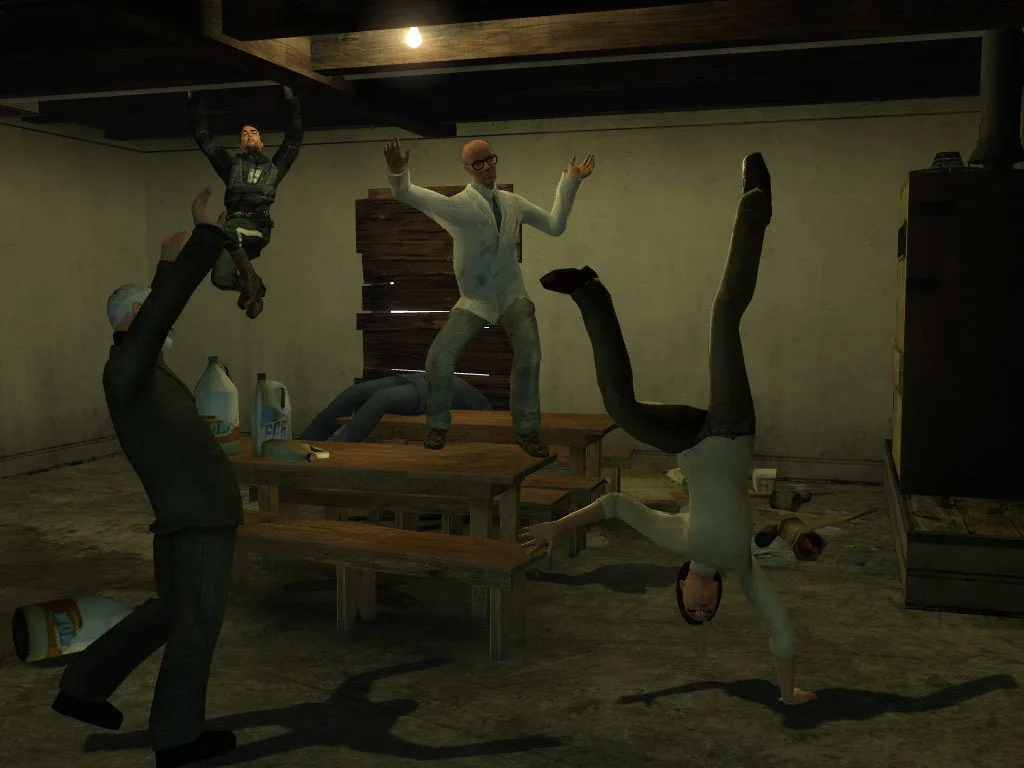
How to Download Garry's Mod
Start your Garry's Mod download from Steam: purchase the game, open your Library, and select Install. Garry's Mod supports Windows, macOS, and Linux, with different launch options for 64-bit play. Installing through Steam gives you the game, updates, and access to Workshop addons for building, custom maps, and multiplayer modes.
Open the Garry's Mod Steam page to buy the game or install a copy you already own. GMod is a paid game; Workshop addons are free additions to that purchase. Check the price at checkout, since discounts shown in older tutorials apply to those sales.
Desktop Download Options After the September 2026 Update
| Platform | Installation | 64-bit option |
|---|---|---|
| Windows | Purchase and install through Steam | Included in the public release; select the 64-bit client through Steam launch options |
| macOS | Purchase and install through Steam | Available through the x86-64 beta branch |
| Linux | Purchase and install through Steam | Available through the x86-64 beta branch |
The September 2026 Update brought 64-bit Windows binaries to the regular release. Older instructions that require Windows players to switch to a beta branch for 64-bit support are outdated.
Install GMod on Your Computer
The purchase and installation process works through your Steam account, so use the account where you want to keep the game.
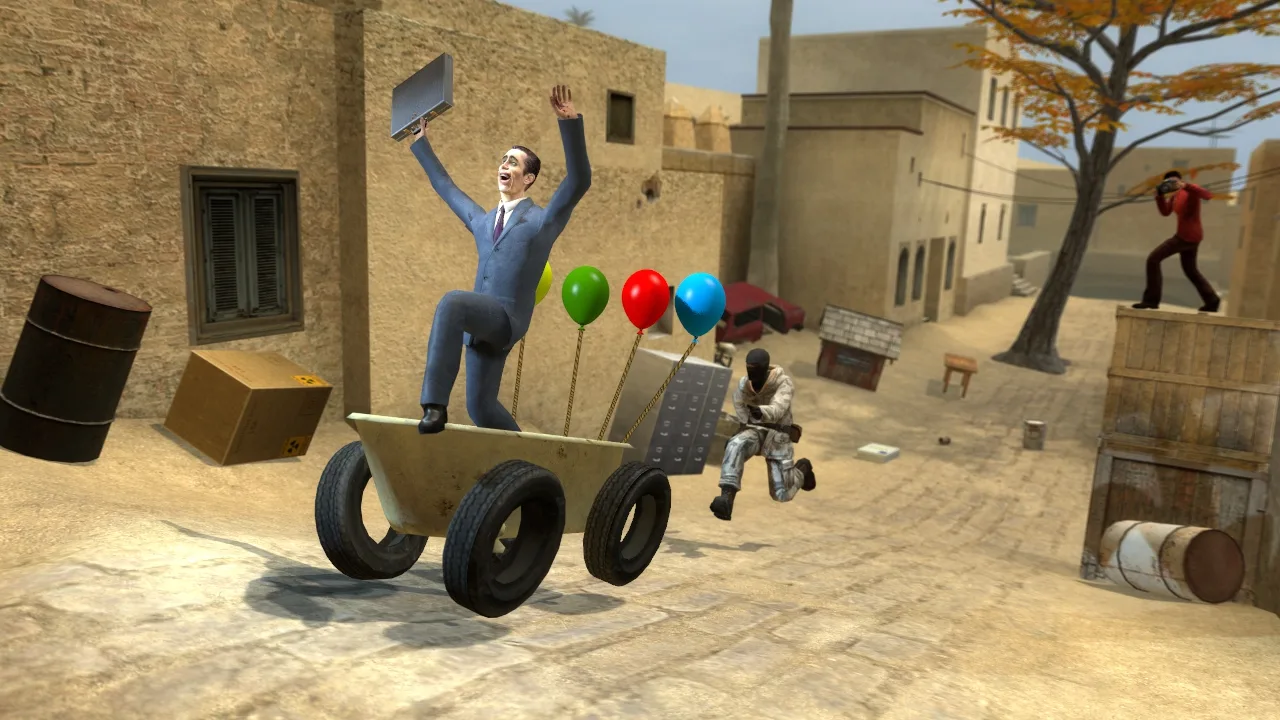 Image: Steam / Facepunch Studios
- Install Steam. Open Steam and choose Install Steam if you do not already have the desktop client.
- Sign in to your account.
- Find Garry's Mod. Open its Steam page and add the game to your cart.
- Complete checkout. Review the price and purchase terms before paying.
- Open your Library. Select Garry's Mod, then choose Install.
- Let the download finish. Launch the game after Steam completes installation.
If you already own GMod, start from your Library and install it there.
On Windows, select the 64-bit client through Steam launch options when playing with large addon collections or on demanding servers. The larger memory address space reduces the risk of crashes caused by exhausting the 32-bit address space. It does not remove the performance cost of complex physics constructions.
macOS and Linux Launch Options
For the 64-bit option on macOS or Linux:
- Exit Garry's Mod.
- Right-click the game in your Steam Library and open Properties.
- Open Game Versions & Betas or Betas.
- Select x86-64 — 64-bit binaries + Chromium Embedded Framework.
- Wait for Steam to download the branch files before launching.
This branch has its own issues, including unstable physics collisions. Check compatibility with the addons you intend to use before moving a heavily customized setup onto it.
Check the Windows System Requirements
A basic Sandbox session and a server packed with custom content place different demands on your computer. Use the requirements below to check your hardware, then leave additional storage for maps, models, and server downloads.
| Component | Minimum | Recommended |
|---|---|---|
| Operating system | Windows 10 | Windows 10/11 |
| Processor | 2 GHz Processor or better | 2.5 GHz Processor or better |
| Memory | 4 GB RAM | 8 GB RAM |
| Graphics | 1GB dedicated VRAM or better | 4GB dedicated VRAM or better |
| DirectX | Version 9.0c | Version 9.0c |
| Available storage | 10 GB | 25 GB |
| Network | Broadband Internet connection | Broadband Internet connection |
These are Windows requirements. Use the macOS or Linux requirements on the game's Steam page when installing on those operating systems.
The storage figures describe available disk space, not an exact download size. Workshop subscriptions and multiplayer content add to the space your installation uses. Reserve room beyond the base game if you plan to collect maps or join multiple custom servers.
Do You Need Counter-Strike: Source or Half-Life 2?
You can start playing Garry's Mod without buying another game. Its Sandbox mode includes props, tools, characters, and vehicles to experiment with immediately.
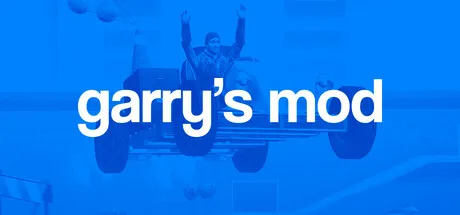 Image: Steam / Facepunch Studios
The July 2025 Update included most Counter-Strike: Source and Half-Life 2 Episodic content by default. That change removed the need to own and install those games for many community maps that use their assets.
There are specific exclusions:
- Maps from those games are not included. Install the corresponding games to use their maps.
- Voice-over files and music are not included.
- Other dependencies still apply. Some addons and multiplayer modes require additional games or separate Workshop items.
Read a map's requirements before buying another game to fix missing content. Pink-and-black textures and large ERROR models can also result from addon installation or authoring problems.
Mounting support has expanded, too. The April 2026 Update added Black Mesa and Military Conflict: Vietnam, while the September 2026 Update added standalone Insurgency (2014). You need to own these games on Steam to mount their content.
Start Playing and Add Workshop Content
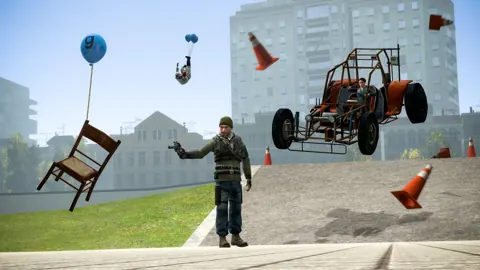
Garry's Mod is a physics sandbox without a predefined campaign or fixed objectives. You can weld props into a vehicle, pose characters for a scene, or join a community mode with its own rules.
Begin with Start New Game, select gm_construct, and launch a single-player Sandbox session. Learn a few default controls before installing a large collection:
- W, A, S, D: Move.
- Space: Jump.
- Ctrl: Crouch.
- Shift: Run.
- Q: Open the spawn menu.
- C: Open the context menu.
- V: Toggle noclip where permitted.
- Z: Undo your latest supported action.
With the Physics Gun equipped, hold left-click to pick up a prop. While holding it, right-click to freeze it in place. Hold E and move the mouse to rotate it; add Shift to align its rotation with the map's angles.
Try spawning two props and connecting them with the Weld tool. That small construction teaches the same basic interaction used in larger builds.
Install Addons Without Overloading Your Setup
Open Addons from the main menu, then use Open Workshop to browse maps, tools, weapons, vehicles, and models. Subscribe to an item, let its download finish, and follow its dependency requirements.
Add a few items at a time so you can identify which addition causes a problem. Reload the map or restart the game when an addon requires it.
For multiplayer, open Find Multiplayer Game and choose a mode such as:
- Prop Hunt: Hide by taking the form of objects.
- Trouble In Terrorist Town: Identify hidden traitors while surviving the round.
- DarkRP: Take on roles within a server's customized role-playing systems.
- Sandbox: Build and experiment with other players.
Your first connection to a custom server can involve additional downloads. Read that server's rules before playing, especially in modes built around role-playing or identifying other players.
What About Android?
The Steam release covers Windows, macOS, and Linux. GDroid is a separate Android project that runs GMod with touch controls and requires your own Steam copy and game content.
Its APK does not contain the retail game files. Setup involves installing the Android application and either importing an existing installation or downloading owned content through its launcher.
Addon compatibility also differs: PC-only native binary modules need Android-compatible versions. An Android setup therefore requires more than downloading an APK, particularly when your preferred servers depend on those modules.
Fix Installation and Launch Problems
Match the fix to the problem before reinstalling the entire game.
The game crashes when starting a map: Use Steam's game-file integrity verification. If you installed graphics modifications or other third-party files in the game folder, update those additions as well. File verification does not necessarily remove extra files you added yourself.
A server says it is running an older version: Keep your game updated and wait for the server owner to update. Updates that change the network protocol require compatible server and client versions.
A Workshop map is missing: Check that its download completed and that the required addon is enabled. Follow the map's dependency list rather than downloading unrelated texture packs.
The game becomes unstable after adding content: Disable the recent additions and test a plain Sandbox map. Reintroduce addons gradually to narrow down the conflict.
Large addon collections trigger memory crashes on Windows: Select the 64-bit client included with the September 2026 Update. Reduce the active collection if the session still struggles with the number of props, models, or scripts.
Something wrong or out of date on this page? How to report a correction
Continue with
 Garry's Mod APK: Android Setup, Controls, and AddonsLooking for Garry's Mod apk? Learn how GDroid works on Android, which files you need, how to install addons, and what to expect from touchscreen controls.
Continue exploring
Join the community
Official channels for news, updates and player help: