
Garry's Mod Steam Workshop: Install and Fix Addons
Use Garry's Mod Steam Workshop to install addons, find maps and models, manage required content, and fix missing textures or loading issues. Get building.
Jump to
How to Install Addons Through Steam
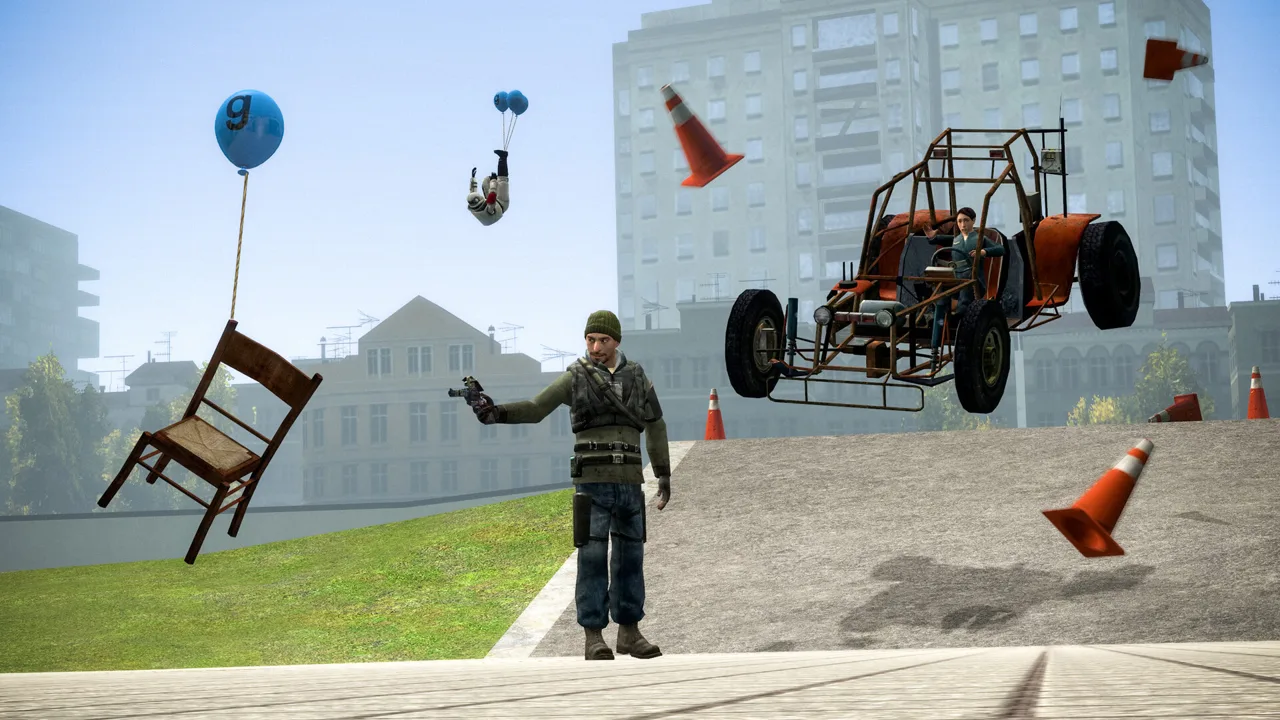
Garry's Mod Steam Workshop lets you add maps, weapons, NPCs, and building tools by subscribing to their item pages. Open Garry's Mod in your Steam Library, select Workshop, choose an addon, and click Subscribe. Let the download finish, then launch the game and check Addons before loading a map.
You can browse from the Steam client or use Open Workshop through the game's Addons menu. Close the game before installing a new batch so you can load everything together on the next launch.
| Step | What to do |
|---|---|
| Open the browser | Select Garry's Mod in your Steam Library, then open Workshop. |
| Choose an addon | Open its item page and read the description and requirements. |
| Subscribe | Click Subscribe and subscribe to any required items. |
| Finish downloading | Wait for Steam to complete the downloads before launching. |
| Check the installation | Open Addons in the game, then load a map or select the appropriate gamemode. |
Subscribing also lets Steam deliver updates to that item. Workshop downloads are free, but you need the base game to use them. You can get Garry's Mod on Steam.
Find the Right Addon Type
Filter by what you want to change before searching for a specific theme. A map, a gamemode, and a player model do different jobs, even when they share the same setting.
 Image: gmod.facepunch.com
- Maps add places to explore, build, or play. Open Start New Game to find installed maps.
- Gamemodes change the rules of play. Select the mode you want before starting your session.
- Weapons add equipment you can find through the spawn menu's Weapons tab.
- NPCs add characters or enemies through the NPCs tab.
- Vehicles and entities add spawnable objects, including interactive equipment.
- Tools and effects expand construction, posing, visuals, or interface features.
- Models add assets such as props, ragdolls, or player models. Read the description to see which functions an item supports.
A roleplay map supplies the environment; it does not automatically supply a complete roleplay gamemode. Likewise, a ragdoll download does not necessarily include a selectable player model.
Use Most Subscribed to browse established downloads, or switch to New and Last Updated when looking for recent releases and maintenance. Ratings help narrow the list, but read the requirements before subscribing.
For a recognizable example of each category, the browser includes maps such as gm_Scrapland and a weapon addon called Viewfinder - Found Footage & Camcorder SWEP. Search by the item's name when you already know what you want.
Install Required Content Before Playing
An addon can depend on another addon for its models, textures, or scripts. Installing the item you want without its supporting content can leave you with missing assets or broken functionality.
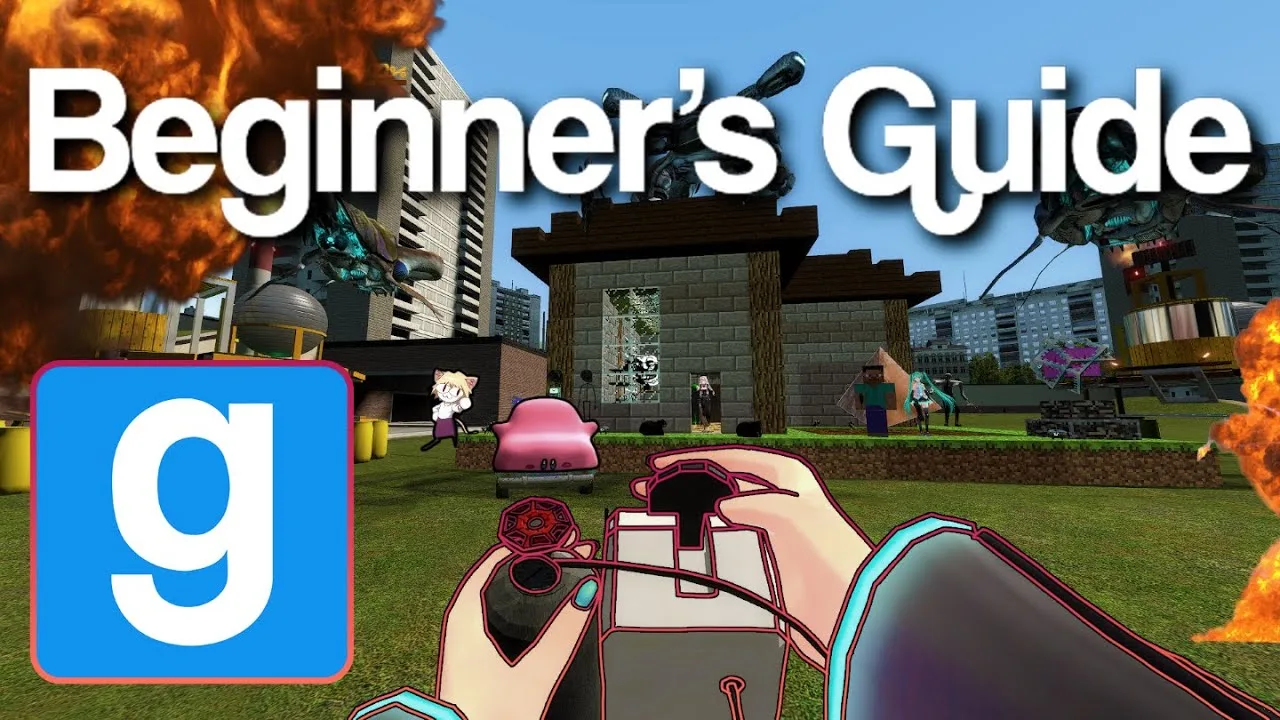
Check the item's required downloads and subscribe to them too. When a dependency prompt appears, review the listed items before confirming. Install the ones your chosen content requires.
Keep these two requirements separate:
- Workshop dependencies: Other subscribed items that provide supporting content or functionality.
- Mounted games: Supported games whose installed assets Garry's Mod can access through the main menu's Games section.
The April 2026 update added mounting support for Black Mesa and Military Conflict: Vietnam; you need to own those games on Steam to mount them. The September 2026 update also added support for Insurgency (2014).
Install a new addon with its requirements before adding another unrelated pack. That gives you a smaller set of changes to investigate if something stops working.
Manage Subscriptions and Know Where Files Go
Use the game's Addons menu to review your subscribed content. When removing something, check whether another addon still depends on it before unsubscribing.
Modern Workshop content does not need to appear inside garrysmod/addons to work. Since the January 2020 Workshop changes, new or updated items use the Steam library's steamapps/workshop/ folder. Let Steam manage those downloads instead of copying them between folders.
Manual downloads follow a different installation process:
- In Steam, right-click Garry's Mod.
- Select Manage, then Browse Local Files.
- Open the
garrysmodfolder. - Extract a downloaded ZIP archive before placing its contents.
- Follow the addon's installation instructions for the destination.
A packaged addon commonly uses a .gma file, while a map uses .bsp. The corresponding game folders are addons and maps.
Use subscription management for Workshop items and manual installation instructions for downloads obtained elsewhere. Mixing the two can make it harder to tell which copy you are loading.
Fix Missing Textures, ERROR Models, and Missing Maps
Large ERROR models indicate missing model content. Start with the affected item's requirements and download status.
Check dependencies and restart
Confirm that the main addon and its required items finished downloading. Then restart the game and load the map again. Some additions need a map reload or a full restart before their content becomes available.
If a weapon or NPC appears in the menu but spawns as an error, revisit its required content. A visible menu entry does not mean every asset it needs is installed.
Account for the July 2025 content changes
Since the July 2025 update, most Counter-Strike: Source and Half-Life 2 Episodic content comes with Garry's Mod. You no longer need those games installed for community maps that rely on the included assets.
Their maps, voice-over files, and music were excluded. To play those games' maps through Garry's Mod, you still need to install the corresponding games.
Check the exact missing requirement before buying another game or downloading a texture pack. Missing content can also come from an incomplete addon installation or an error in the addon itself.
Match the server's map
A message such as Map maps/ttt_grovestreet_a13.bsp is missing points to a specific map file. Check the server's required content for that exact map rather than subscribing to a similarly named alternative.
A server version message is a separate problem. If the server is running an older game version after an update that requires server updates, the server owner must update it before you can join.
Reduce Problems With Large Addon Libraries
Keep the addons needed for your current session together. A construction session, a cinematic scene, and a multiplayer gamemode can require very different collections of content.
If problems begin after adding a batch of subscriptions, remove that batch in small groups and restart between checks. Keep required dependencies with the addon they support while narrowing down the cause.
For Windows players, the September 2026 update brought 64-bit binaries to every version of the game, including the client, dedicated servers, and most developer tools. Select the 64-bit game client from Steam's launch options when playing with a large addon library or on a demanding server.
The larger address space reduces the risk of crashes caused by exhausting 32-bit memory limits. It does not repair missing assets or incompatible addon code, so investigate those separately.
Use Dupes and Saves With Their Required Addons
Dupes let you place an existing construction into a map. Saves preserve a scene so you can load it again. Both can depend on Workshop content beyond the creation itself.
For duplications created with the dependency feature introduced in December 2021, the Duplicator tool can store a list of the Workshop items used in the build. Open its context menu to view those items and subscribe to what you need.
Map saves have a related feature for identifying the map on which they were created. Install that map before loading the save, and check the save's description for additional content requirements.
To share a construction, use the Duplicator tool to copy it, choose Save Dupe, and publish the saved duplication. For a complete scene, use Save Game in the Saves tab. Keep the required addons available when returning to either creation.
Share Collections With Friends or a Server
A Workshop collection groups items into one list. Use one to share the maps, models, and supporting addons your group needs for a particular session.
Keep the list focused on the intended game setup. Include required bases alongside the addons that use them, and tell friends which map and gamemode to select.
For a hosted dedicated server with a Host Workshop Collection setting:
- Open the collection and copy its numeric ID from the page address.
- Stop the server through the hosting control panel.
- Find Host Workshop Collection under Settings.
- Enter the collection ID.
- Save the setting and restart the server.
Use the collection's ID rather than an individual map's ID. A collection can supply multiple maps, which the server can then switch between through its configured voting system or the changelevel command.
Something wrong or out of date on this page? How to report a correction
Continue with
 Garry's Mod Addons Guide: Install, Manage, and CreateUse this Garry's Mod addons guide to install Workshop content, manage presets, fix missing textures and Lua errors, and start creating your addons today.
More in Addons
See all Addons
Continue exploring
Join the community
Official channels for news, updates and player help: