
Garry's Mod Mods: Install Addons and Fix Common Issues
Explore Garry's Mod mods, learn to install Workshop addons, choose maps and NPCs, and fix missing textures, download issues, and crashes. Start building.
Jump to
What Do Mods Add to Garry's Mod?
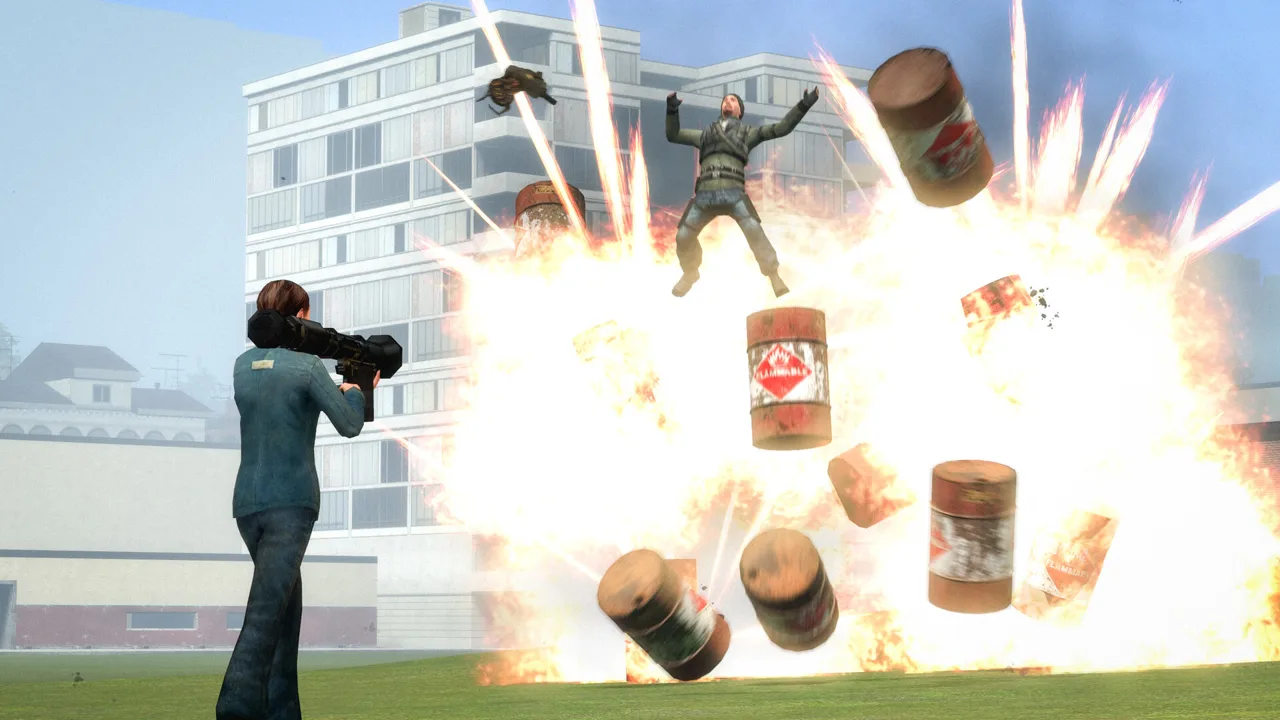
Garry's Mod mods can turn an empty sandbox into a horror chase, a vehicle playground, or a game of Prop Hunt. Install addons through Steam Workshop subscriptions and subscribe to their required dependencies. Reload the map or restart the game when needed so the new content is ready to use.
An addon can introduce an entire game mode or something as small as a different Tool Gun screen. Choose content around what you want to do in your next session:
| Addon type | What it adds | Where you use it |
|---|---|---|
| Maps | New environments to explore, build in, or play through | Start New Game map selection |
| Game modes | Different rules and objectives | Game mode selection |
| Weapons | Additional weapons and their behavior | Weapons tab in the spawn menu |
| NPCs | Characters, enemies, and chase threats | NPCs tab in the spawn menu |
| Vehicles | Spawnable transportation | Vehicles tab in the spawn menu |
| Tools | Additional ways to build or manipulate objects | Tool menus |
| Models | Character models, props, or ragdolls | Relevant model lists or player model selector |
Maps and game modes serve different purposes. A map provides the space; a game mode supplies the rules. A downloaded environment can be an open playground, while a scripted horror map can include its own encounters and puzzles. Read the description before expecting objectives.
How to Install Workshop Addons
Use the Steam Workshop integration built into Garry's Mod on Steam to add content without manually replacing game files.
 Image: Steam / Facepunch Studios
- Open Addons from the main menu. Browse the available categories or select Open Workshop to search for a particular item.
- Read the addon's description. Check its content type, requirements, and setup instructions.
- Subscribe to the item. Allow its download to finish before starting your session.
- Subscribe to required items. Some addons depend on another addon or shared content pack. Review the required-items prompt and install everything the item needs.
- Load the appropriate map and game mode. Reload the map or restart the game when the addon requires it.
Install a focused set of content before adding more. Testing a map, its dependencies, and one new gameplay addon makes it easier to identify what caused a problem.
Using Addons With Friends
GMod supports online cooperative building, and the new-game screen lets you choose a player limit and connection options, including a friends-only peer-to-peer session.
Agree on the map and game mode before hosting. Share the required addon names with your group so everyone can prepare the same content. Pay attention to content packs as well as the main gameplay item: a weapon or vehicle can rely on assets supplied separately.
Find Your Downloads and Keep Builds Organized
In Sandbox, hold Q with the default controls to open the spawn menu. Weapons, entities, NPCs, and vehicles have their own tabs. Select an item to spawn or equip it, depending on its type.
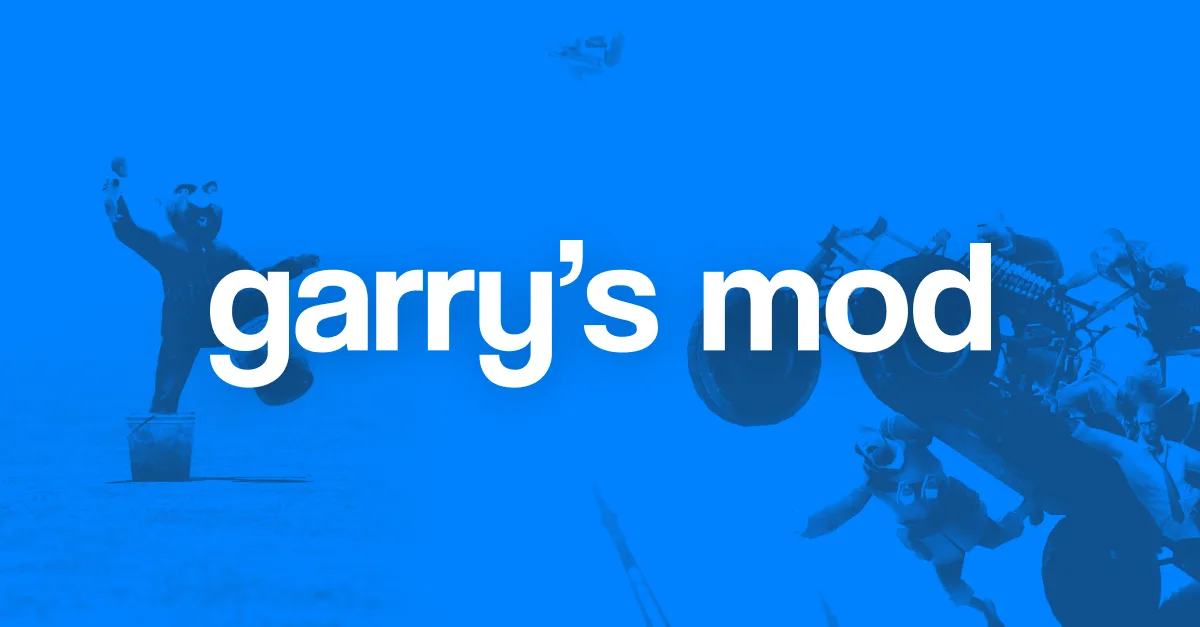 Image: gmod.facepunch.com
For character customization, open the context menu with C and use the player model selector. A character model does not automatically include an enemy you can spawn; check whether the addon includes a player model, NPC, ragdoll, or a combination.
The default controls also give you quick ways to handle a crowded experiment:
- Press Z to undo recent spawns.
- Use the Remover tool to delete individual objects.
- Open Utilities → Admin → Cleanup to remove categories of spawned objects or clean up the whole scene when you have admin access.
- Press E to enter a vehicle seat.
Save a construction before clearing the map if you want to keep it. The Duplicator lets you capture and save a contraption as a dupe, while the Saves tab lets you save a scene and load it again.
You can also turn addon folders into custom spawnlists. In the spawn menu's Browse section, right-click an addon and select Create a spawnlist from this folder. Save the changes after organizing it.
Build a Horror Session or Switch to a Party Mode
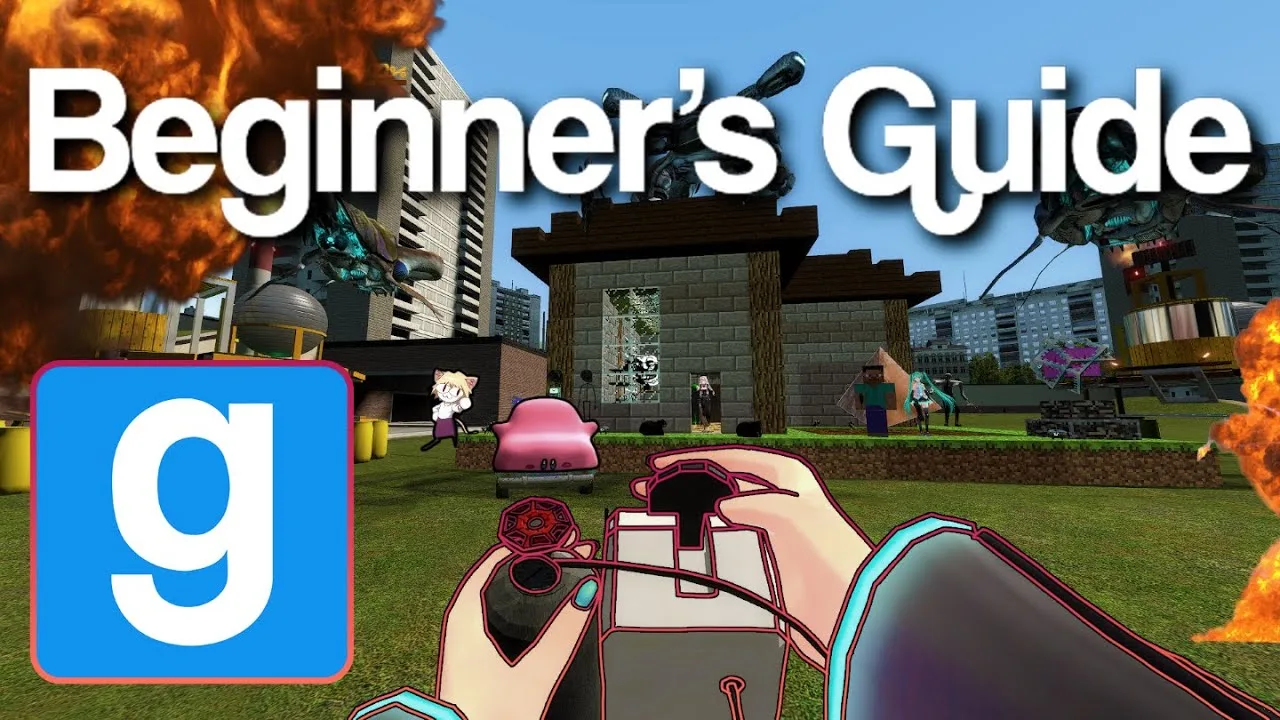
Horror addons work well with GMod's freedom to combine environments, enemies, and improvised escape plans. A city map gives a chase room to spread through streets and buildings; a maze turns navigation into part of the challenge.
Keep your first setup manageable:
- Choose a map with a clear destination.
- Add a chase NPC and its required dependencies.
- Set a shared objective, such as reaching a tower or escaping to the waterfront.
- Agree on whether weapons, vehicles, teleporting, and noclip are allowed.
Try the route on foot before introducing vehicles. Tight maze passages make maneuvering part of the challenge, and an escape vehicle needs enough space to move.
For a horror map with built-in objectives, follow its clues and interactions. Look for buttons, doors, and code puzzles before filling the corridors with extra props or enemies.
If your group wants structured rounds, Prop Hunt puts disguised players among ordinary objects while hunters search for them. Trouble in Terrorist Town assigns Traitor, Detective, and Innocent roles, with hidden identities driving the tension. Choose the mode your group wants, then install content intended for it.
Updates That Change Addon Setup
The July 2025 Update added most Counter-Strike: Source and Half-Life 2 Episodic content to the base game. The September 2026 Update made 64-bit Windows binaries available across every version of GMod, helping reduce crashes caused by exhausting the 32-bit memory address space.
These changes matter when following older installation advice:
| Update | Change | What it means for your setup |
|---|---|---|
| July 2025 | Most Counter-Strike: Source and Half-Life 2 Episodic assets included by default | Many community maps no longer require separate installations for those assets |
| April 2026 | Black Mesa and Military Conflict: Vietnam mounting support added | Own those games on Steam to mount their maps and models |
| April 2026 | Driveable Combine APC added to the base spawn menu | You can use the built-in vehicle without installing an APC addon |
| September 2026 | 64-bit Windows client available through Steam launch options | Select it for sessions with substantial addon or server content |
| September 2026 | Spawn-menu subcategories and an expanded player model selector added | Addons can organize their content into more useful categories |
| September 2026 | Standalone Insurgency (2014) mounting support added | Its content joins the supported mounting options |
The July 2025 content addition excludes those games' maps, voice-over files, and music. Install the relevant games to use their maps, and check each addon's remaining requirements.
Fix Missing Content, Lua Errors, and Crashes
Start with the symptom instead of downloading unrelated content packs.
Purple-and-Black Textures or ERROR Models
These indicate missing materials or models. Check the addon's required items, let downloads finish, and reload the session.
Keep the July 2025 changes in mind: buying Counter-Strike: Source is no longer the automatic answer to every missing-texture problem. Other missing dependencies, incomplete installations, and addon packaging errors still need attention.
An Addon Does Not Appear
Check the correct menu first. Maps appear in map selection, weapons in the Weapons tab, and player models in the model selector.
Reload the map or restart GMod after installation. For an item with dependencies, check those subscriptions too.
Lua Errors After Adding Content
Disable the recent additions, reload, and reintroduce them individually with their dependencies. This helps narrow down which addon or combination triggers the error.
Keep separate addon presets for different sessions. A horror setup, a construction setup, and a collection for a particular server are easier to troubleshoot independently.
Crashes During Heavily Modded Sessions
On Windows, select the 64-bit client through Steam's launch options to reduce memory-address-space limitations. Reduce the active addon set and clean up unnecessary spawned objects while investigating the crash.
Keep GMod updated. Recent patches include fixes affecting Workshop handling, map loading, ragdolls, and addon compatibility. If a startup problem persists, use Steam's game-file integrity verification before reinstalling your content collection.
Something wrong or out of date on this page? How to report a correction
Continue with
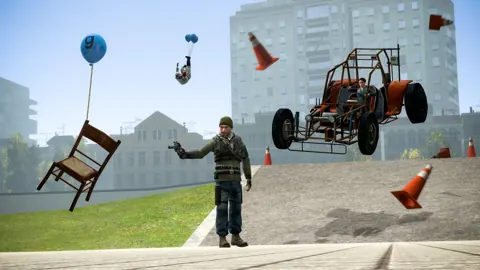 Garry's Mod Steam Workshop: Install and Fix AddonsUse Garry's Mod Steam Workshop to install addons, find maps and models, manage required content, and fix missing textures or loading issues. Get building.
More in Addons
See all Addons
Continue exploring
Join the community
Official channels for news, updates and player help: