
Garry's Mod Server List: Find a Community You'll Love
Find your community with a Garry's Mod server list. Compare game modes, use browser filters, and learn what to check before joining a multiplayer server.
Jump to
How to Find and Choose a GMod Server
Open Find Multiplayer Game in Garry's Mod to browse community servers, then narrow your choices by game mode, ping, player count, and the server's language flag. A Garry's Mod server list helps you find Sandbox, DarkRP, Prop Hunt, and Trouble in Terrorist Town communities. Read the rules before joining.
Start with the experience you want: building contraptions, playing short rounds, or taking on a role in a persistent community. Each server brings its own rules, add-ons, and social atmosphere, so two servers running the same mode can feel very different.
The browser features introduced in the March 2021 update give you several ways to narrow the search:
| Browser feature | What it tells you | How to use it |
|---|---|---|
| Game mode categories | The kind of gameplay available | Choose a category before comparing individual servers |
| Ping filtering | Connection latency | Prioritize lower-ping options when comparing similar communities |
| Player count filtering | How populated a server is | Look for an active session with room to join |
| Country flag | The server's configured location or spoken language | Read the description to confirm the community's language |
Web directories can also help you discover communities and read their descriptions. Check whether rankings depend on votes: some servers reward voting with in-game currency, items, or ranks. Use that placement as a discovery tool, then judge the actual game session.
Official page: Garry's Mod (gmod.facepunch.com)
Choose a Game Mode Before Choosing a Community
GMod starts as a physics sandbox, but community modes give those tools very different purposes. Decide what you want to do before committing to a server's content downloads.
Sandbox: Building and Hanging Out
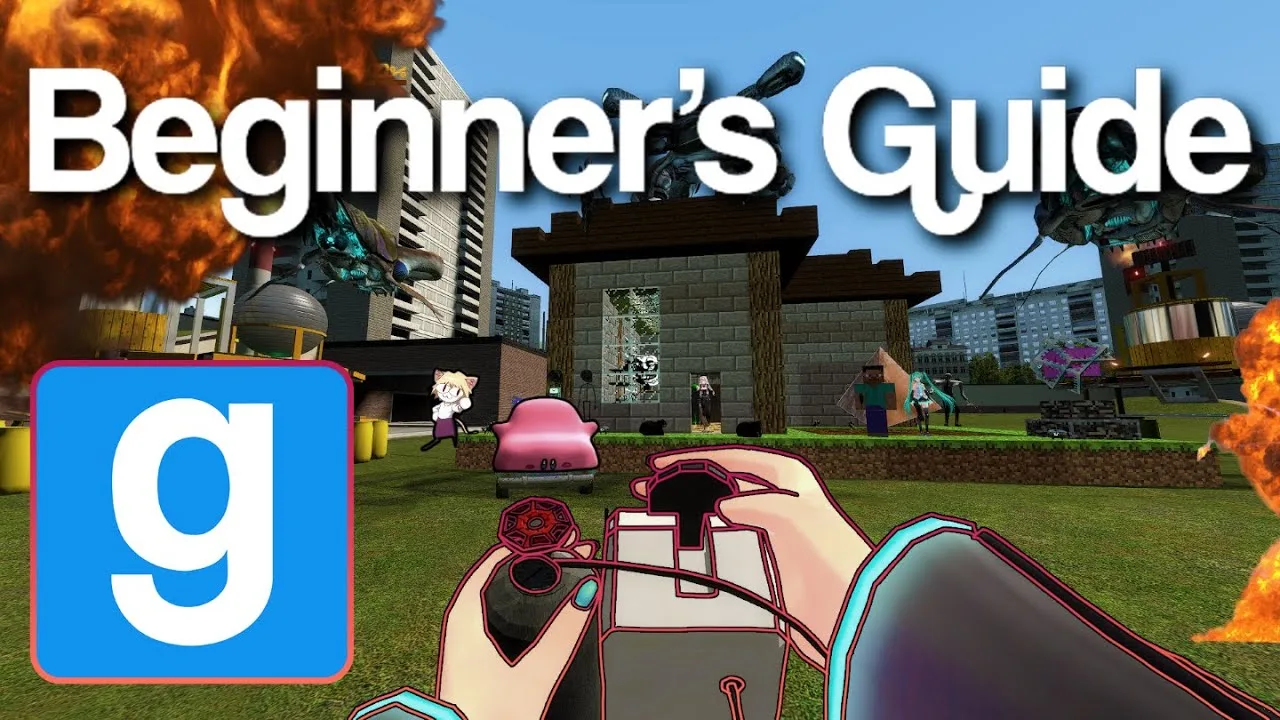
Public Sandbox servers let you build alongside other players, experiment with physics, and talk while someone nearby assembles an improbable vehicle.
The familiar physics gun and tool gun remain central to construction, although public servers control which tools and features players can use. Read the prop limits and building rules before spawning a complicated creation. Ask before moving or altering another player's work.
If you want to practice building controls first, start a single-player session on GM Construct. That gives you space to learn without interrupting a shared map.
Prop Hunt: Hide as Part of the Scenery
Prop Hunt splits players into hunters and props. Props disguise themselves as objects around the map, while hunters search for anything that seems out of place.
Attacking ordinary scenery damages hunters, so firing at everything has a cost. Inspect object placement before shooting. As a prop, try blending into a believable arrangement instead of relying entirely on a dark corner.
Trouble in Terrorist Town: Hidden Roles and Suspicion
Trouble in Terrorist Town, usually shortened to TTT, mixes gunplay with hidden roles. Traitors work to eliminate the innocent players while concealing their identities. Detectives investigate, and innocents need to survive while identifying threats.
The detective's DNA sampler can provide evidence from bodies. Learn the server's rules for identifying and attacking suspects before opening fire; guessing incorrectly can derail a round for everyone involved.
Custom weapons, player models, and other add-ons can change the feel considerably. Read the mode-specific rules even if you have played TTT elsewhere.
DarkRP and Other Roleplay Servers
DarkRP revolves around jobs, property, money, and player interactions. Common controls include F4 for the job menu and F2 to buy an available door, though custom interfaces can change how a server presents these systems.
Before buying equipment or building a base, read the local rules for:
- Raids, announcements, and cooldowns.
- Fading doors, keypads, and base entrances.
- Building signs and protection while constructing.
- Job permissions and restricted equipment.
- Returning after death and using information from a previous life.
Do not carry a tutorial's exact raid timings or building limits into another community. Each server sets those requirements.
Other roleplay communities organize play around specific settings, stories, or factions. Check the language, age requirement, and roleplay expectations before joining.
Zombie Survival and Murder
Zombie Survival offers a different multiplayer direction, but crowded sessions with extensive custom content can become demanding. Compare performance across servers before settling into one.
Murder offers short rounds built around a concealed killer. Some communities introduce special rounds with altered weapons or objectives. Check those custom rules before assuming every round follows the same format.
Judge the Community and Its Paid Features
A server's rules tell you what is allowed. The way people enforce them tells you what playing there will feel like.
Read how to contact staff, then pay attention to how newcomers receive help. Ask a specific question when something is unclear, especially before a raid, an attack, or a base design that sits close to the rules.
For roleplay, learn the vocabulary early:
- OOC: Global chat.
The exact enforcement belongs to that community's rulebook.
Also inspect the shop before investing time. Servers can offer cosmetic models, crates, trading systems, and VIP benefits. Some use gambling systems involving in-game points.
Check what spending changes. Read how currency is earned and which items or benefits require payment before choosing a community for regular play.
Join a Server and Learn the Essential Controls
Once you have found a suitable community:
- Open Find Multiplayer Game from the main menu.
- Select the game mode and locate the server.
- Join and allow its required content to download.
- Read the rules and any welcome instructions.
- Check the server's help menus before starting activities with special restrictions.
Custom maps, models, weapons, and interfaces are part of what makes multiplayer so varied. Your single-player add-on collection does not determine everything available on a public server.
For Sandbox building, these default controls provide a useful starting point:
- Hold Q to open the spawn menu.
- Use the physics gun's left mouse button to grab a prop.
- While holding it, press the right mouse button to freeze it.
- Hold E while grabbing a prop to rotate it with the mouse.
- Press Z to undo your recent actions.
- Open the context menu with C.
Single-player Sandbox also uses V for noclip.
For a private building session, Start New Game includes player-limit and friends-only hosting options. Set the session's prop limits and gameplay permissions before inviting friends.
Understand Content Requirements and Performance Changes
Older setup advice can send you shopping for content you no longer need for many community maps. Recent updates changed both asset availability and the technology behind multiplayer.
| Update | Relevant change | What it means when joining |
|---|---|---|
| July 2025 | Most Counter-Strike: Source and Half-Life 2 Episodic content became included by default | Many community maps no longer require separate ownership and installation for those assets |
| April 2026 | Networking changes enabled faster transfers and reduced unnecessary entity networking | Server joining received improvements to transfer speed and bandwidth use |
| September 2026 | Windows clients, dedicated servers, and most developer tools gained 64-bit binaries across every game version | The Windows client has less risk of exhausting the 32-bit memory address space on demanding servers |
The July 2025 content addition excludes those games' maps, voice-over files, and music. Other multiplayer content can still require additional games or add-ons. Check the server's specific requirements before buying anything.
Large ERROR models and missing textures point to missing content. Check the required add-ons and dependencies, let downloads finish, and follow the community's installation instructions. A missing-map error needs attention to that map's download rather than a blanket purchase of another game.
On Windows, the September 2026 update makes the 64-bit client selectable through Steam's launch options. Use it for sessions with extensive add-ons, while remembering that server load and custom content still affect performance.
Fix an Empty Browser or a Version Mismatch
If the browser shows unexpectedly few servers, review the ping and player-count filters. Refresh the results after adjusting them, then compare the available communities.
An “older version” connection message calls for a different response. Some updates require server owners to update before players can reconnect. Make sure your own installation is current, then wait for that server to update.
For add-on errors, open the main menu's Problems section. It groups Lua errors by add-on and offers options to open the Workshop item, disable it, or uninstall it. Its separate problems panel also identifies common configuration issues and provides quick fixes where available.
When asking for help, include the exact error message, your operating system, and whether the problem affects one community or every server you try. That gives staff something concrete to troubleshoot.
Something wrong or out of date on this page? How to report a correction
Continue with
 Garry's Mod Discord: Join the Right Gaming CommunityFind the official Garry's Mod Discord, meet players for Sandbox and roleplay, get help with addons, and learn what to check before joining a new community.
More in Community
See all Community
Continue exploring
Join the community
Official channels for news, updates and player help: